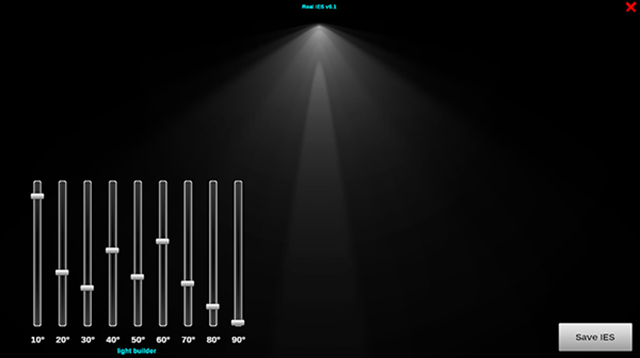
This release introduces the new Real IES Sketch tool for advanced photometric file design with a complete 360-degree radial approach, alongside overall performance improvements.
Please note: This version is not code-signed and may trigger Windows warnings such as ‘Unknown Developer’ alerts or block the activation with the firewall.
Real IES 3.5
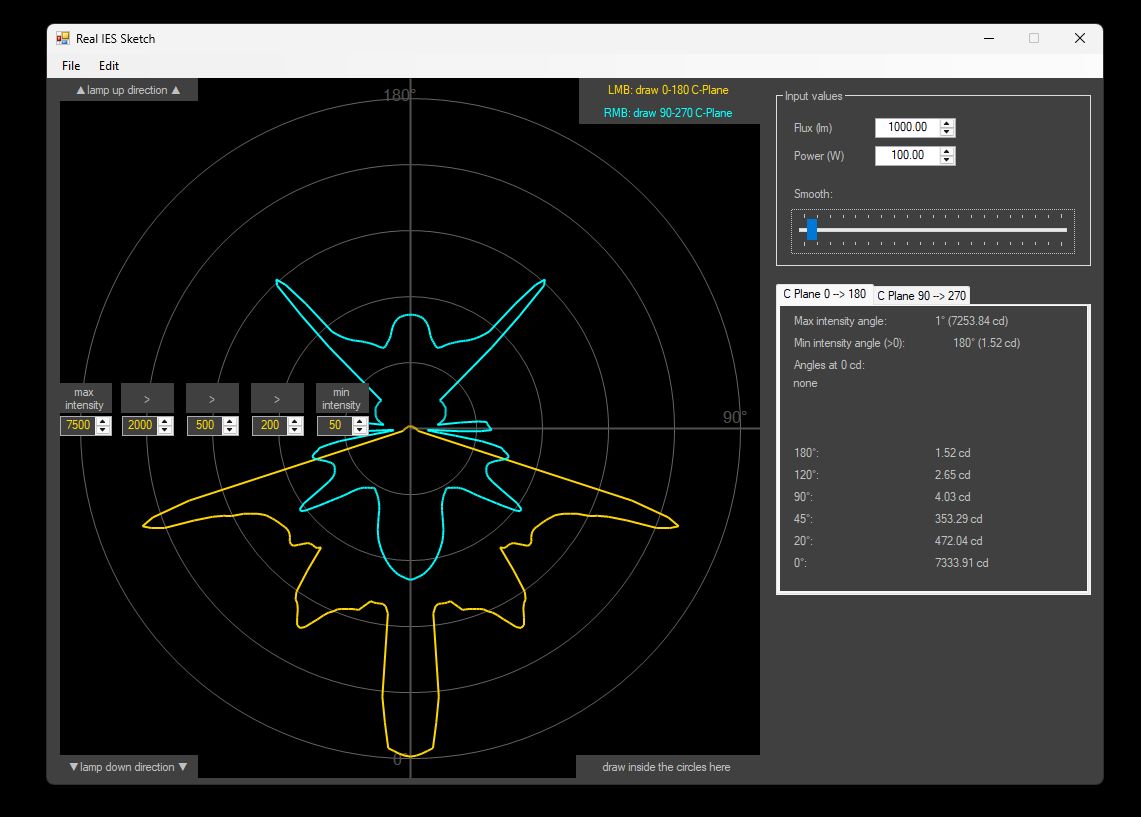
- New Real IES Sketch Tool: Designed to allow quick creation of true 360-degree light beams using dual C-Planes (0-180 and 90-270) with just a few clicks, overcoming the limitations of previous 180-degree frontal approaches or C-Plane cuts from Real IES Duo.
- Advanced Radial Control: Revamped interface based on interactive radial charts to define light intensity, featuring dedicated controls for Flux, Power, Smooth factors, and min/max intensity angles.
- Real-Time Optimization: Generating true 360-degree lights optimizes draw calls in real-time setups, ensuring full compatibility with all major render engines (from 3ds Max to Unreal Engine).
- Compatibility & Stability: Minor improvements to interpolation algorithms and bug fixes to ensure greater overall system stability.
Real IES 3.4
This release introduces a brand new utility for metadata and major improvements to our workflow integration for Real IES Duo.
Please note: This version is not code-signed and may trigger Windows warnings such as ‘Unknown Developer’ alerts.
- use Real IES Metadata Tool to edit photometric file metadata directly from the app. All modified files retain references to the original metadata for traceability and copyright compliance.
- the utility Real IES Duo is no longer in Beta and is now fully included in the installer. Combine two photometric .ies profiles into a single light emitter for advanced 360° lighting setups. Designed for technical artists, lighting artists, and developers who need greater control over photometric lighting while keeping rendering drawcalls low.
- both Metadata Editor and Real IES Duo can now be launched directly from the main Real IES interface.

Real IES 3.3
This release brings a major upgrade to our license management system for smoother transfers and improved reliability, along with minor bug fixes and performance improvements.
- upgraded license handling system for more efficient management and seamless transferability.
- new tool: Real IES Duo (Beta) included in the installer. Assemble two photometric lights to create a full 360° beam.
- implemented advanced compression techniques, reducing installer size and data transfer requirements.
- enhanced user interface responsiveness across various devices and screen sizes.
- optimised interpolation algorithms for smoother and more accurate value transitions.
- resolved minor bugs to enhance overall system stability and user experience.

Real IES 3.1
The updated version of Real IES 3 with bug fixes, UX improvements, Mobile extension, and user-requested features.
- Login window has been moved to the main UI
- new Options window
- 64-bit support
- retina and HiDPI resolution
- .ies parser extension and improved compatibility with a wider set of .ies variants
- millicandela support (mcd) and manual input up to 3 float digits
- 0° sync on both 0-180 and 90-270 C-Planes
- new Real IES Mobile application for Android [open beta]
- proprietary .rim file parser and importer on Real IES 3.1
- fixed regkey on PC
- removed excessive previews on mouse-over
- better usability and consistency
- updated user manual
- minor bugs corrections
Real IES Mobile – public beta
A first public beta of Real IES Mobile, a simple companion app utility for light designers, game developers, 3D, and VFX artists. With Real IES you can edit a super-imposed light, composited on your phone’s camera image.
Edit the light as you prefer then save the file. Real HDR Mobile will create a .rim file to be processed in Real IES desktop (both on PC and Mac). Fine tune your light settings and export a beautifully custom photometric file for your creations.
- consistent UI with Real IES 3
- real-time light compositing
- proprietary .rim file format
- attach .png preview to .rim
- folder scan and local library
- mobile save path
- surprise me function
Real IES 3
Third main release of Real IES. This version is a total rewrite of every single feature and a massive change on the core of the software plus new features.
- entirely rewritten core
- new user interface
- improved precision and performances
- better usability and consistency
- portable license
- non symmetrical light support
- extended parser
- automated rebuild of symmetrical lights
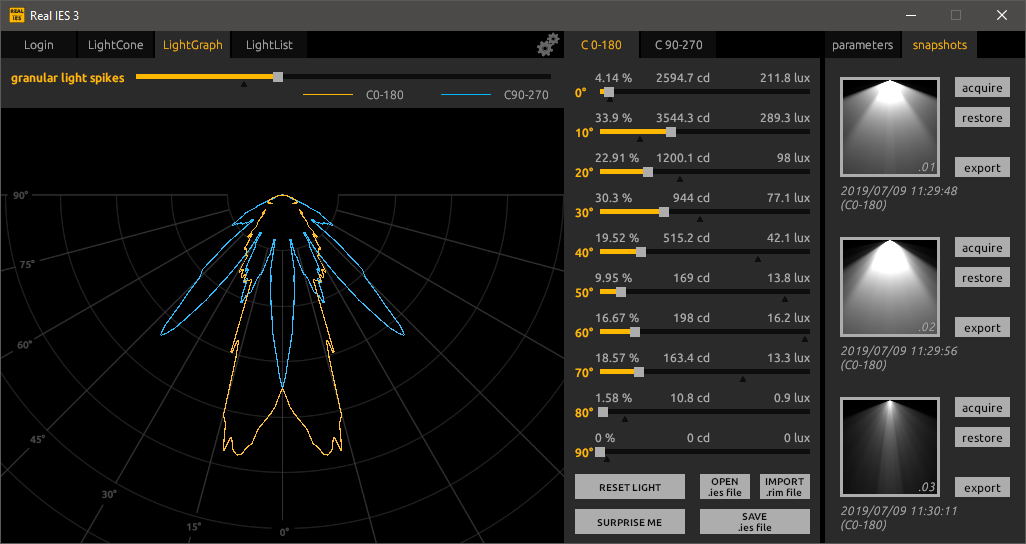
- LightGraph curve module
- optional sharp light rays
- granular values up to 1°
- LightList inspector
- optional entitlement of .ies
- keyboard shortcuts
- new user manual
- OpenEXR 32-bit rasterizer
- enhanced update check
- more reliable intensity values
- minor bugs corrections

Real IES 2
Second release of Real IES introducing a snapshot and parsing feature to import .ies files.

Real IES 1
First release of Real IES featuring 10 angles and a basic interpolation.

Real IES Beta
PlaySys’ internal tool used to quickly produce custom .ies files for b2b rendering projects.